
Comparison
SideMount vs PhoneMount
These two are close. Both are menu bar apps for macOS 26 that show an Android phone in Finder, so any app can open its files. The real difference is what the phone needs: PhoneMount uses the File transfer mode every Android phone has, and SideMount uses USB debugging.
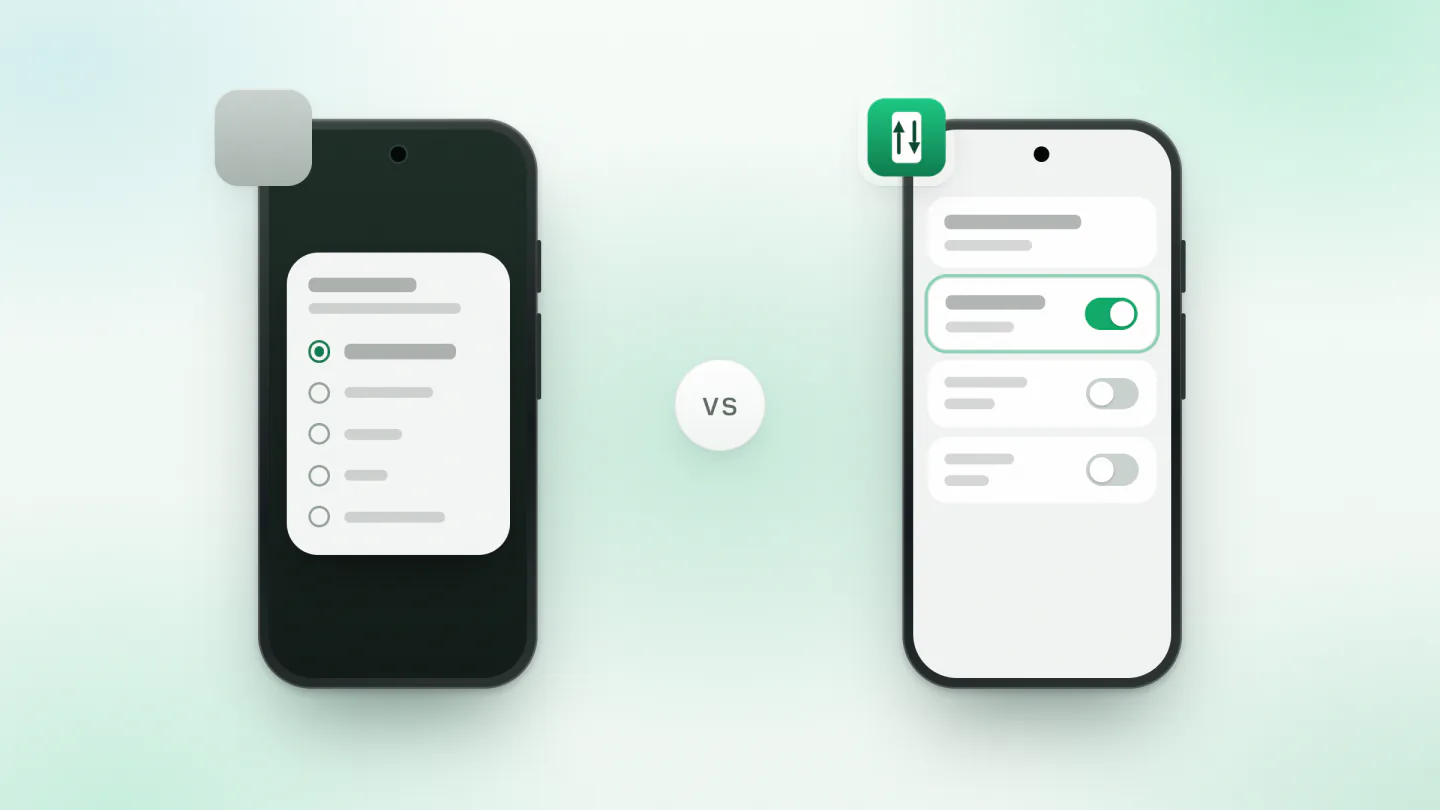
Pick PhoneMount if you would rather not turn on USB debugging, if you also want a Kindle, a Nintendo Switch, a Meta Quest or a Garmin watch in Finder, or if you mostly copy files off the phone, which its free version does with no limit. A licence is EUR 14.99 once.
Pick SideMount if you want to plug the phone in and find it in Finder without choosing anything on the phone each time, or to mount it over Wi-Fi. It costs $1.99 a month or $19 once, after a seven day trial that asks for no card.
What each one is
PhoneMount, from MB Voras Digital, is a menu bar app for macOS 26 or later, on Apple silicon or Intel. It shows the phone in Finder's sidebar under Locations, with an eject button, and as a folder inside one you choose. It works through MTP, the File transfer mode in the phone's USB notification, so the phone needs no USB debugging, and other devices that offer MTP work the same way: Kindles, the Nintendo Switch, Meta Quest headsets, Garmin watches and MP3 players. Its free version opens and copies files from the device with no limit and writes up to 1 GB to it. A licence, EUR 14.99 once, removes that limit on up to 3 Macs. Version 1.6 came out on 27 October 2026.
SideMount is a paid menu bar app that mounts the phone as a drive in Finder. Instead of the File transfer mode, it needs USB debugging turned on once. Nothing is installed on the phone, and it needs macOS 26 or later.
Side by side
| PhoneMount | SideMount | |
|---|---|---|
| Price | EUR 14.99 once, 3 Macs | $1.99 a month or $19 once, 3 Macs |
| Without paying | Opens and copies files with no limit, writes 1 GB | Seven day trial, then a licence |
| macOS | 26 or later | 26 or later |
| What the phone needs | File transfer mode, no USB debugging | USB debugging, turned on once |
| Each time you plug in | Choose File transfer on the phone | Nothing to choose |
| Where the files appear | In Finder, under Locations | In Finder, as a drive |
| Open a file on the phone from another app | Yes | Yes |
| Over Wi-Fi | No, over the cable only | Yes, Android 11 or later |
| Other devices | Kindle, Switch, Quest, Garmin, MP3 players | Made for Android phones |
Where PhoneMount is the better choice
- You do not want USB debugging on. It is a switch in Developer options, and Android asks you to allow each computer, but some people would rather leave it off, and some work phones do not allow it. PhoneMount needs only File transfer mode.
- You have more than a phone. A Kindle, a Nintendo Switch's screenshots, a Meta Quest or a Garmin watch shows up in Finder the same way. SideMount is made for Android phones.
- You mostly copy files off the phone. PhoneMount's free version opens and copies files from the phone with no limit, so pulling photos off costs nothing. You pay only to write more than 1 GB to it.
- You want one payment. The licence is EUR 14.99 once, tax included, with a full refund within 14 days if your device does not work.
Where SideMount is the better choice
- You plug the phone in often. Most phones go back to charging only every time you plug them in, so with an MTP app you open the USB notification and choose File transfer each time. SideMount uses USB debugging instead, so there is nothing to choose: the phone is in Finder.
- You want it without a cable. A phone on Android 11 or later can mount over Wi-Fi after pairing once. The cable is much faster, but Wi-Fi is handy for a few files. See pairing wireless debugging with a Mac.
- You need it for one job. SideMount also comes by the month, at $1.99, so a big copy before you sell a phone does not need a licence for life.
What they have in common
Both need macOS 26, both live in the menu bar, and both ask you to switch them on once in System Settings, under File System Extensions. Both show the phone in Finder, so Lightroom, VLC, a text editor or rsync can open and save files on it where they are. Neither needs an account, and files go only between the phone and your Mac. And the cable matters more than either app: a charge-only cable carries nothing, and a USB 2 cable or phone caps any app at roughly 20 to 40 MB/s. See whether your USB-C cable carries data.
Trying SideMount after PhoneMount
Nothing needs uninstalling. Eject the phone in PhoneMount first, so the two apps do not reach for it at once. Turn on USB debugging, download SideMount and follow the setup guide. The trial is seven days and asks for no card. If you go back to PhoneMount, choose File transfer in the phone's USB notification again.
Questions
Is PhoneMount free?
Partly. The free version opens and copies files from the device with no limit and writes up to 1 GB to it. A licence, EUR 14.99 once, removes the 1 GB limit on up to 3 Macs.
Does PhoneMount need USB debugging?
No. It uses the phone's File transfer mode: unlock the phone, choose File transfer in its USB notification and tap Allow if it asks. Most phones need that choice again each time you plug them in.
Does PhoneMount work over Wi-Fi?
Its website says files go over the cable and nowhere else, and its setup describes only a USB cable. SideMount can mount a phone on Android 11 or later over Wi-Fi after pairing once, though the cable is much faster.
Do I have to turn on USB debugging for SideMount?
Yes, once. Android asks you to allow each computer, and you can revoke it in Developer options at any time. How to turn it on, phone by phone.

Keep reading
 Comparison · 4 min readSideMount vs FreeDroidA free, open source newcomer against a paid Finder drive: what each needs, how far along each is, and who should pick which.
 Comparison · 3 min readSideMount vs MacDroidTwo apps that mount an Android phone in Finder: modes, prices, macOS versions, and who should pick which.
 Comparison · 4 min readSideMount vs OpenMTPA free two-pane MTP app against a paid Finder volume: what each does well, and who should pick which.