
Comparison
SideMount vs FreeDroid
FreeDroid is a free, open source app that puts an Android phone in Finder's sidebar, on Macs from macOS 15.4. SideMount is a paid app that mounts the phone as a drive on macOS 26. One is a young community project and the other a product you pay for, and that is most of the choice.
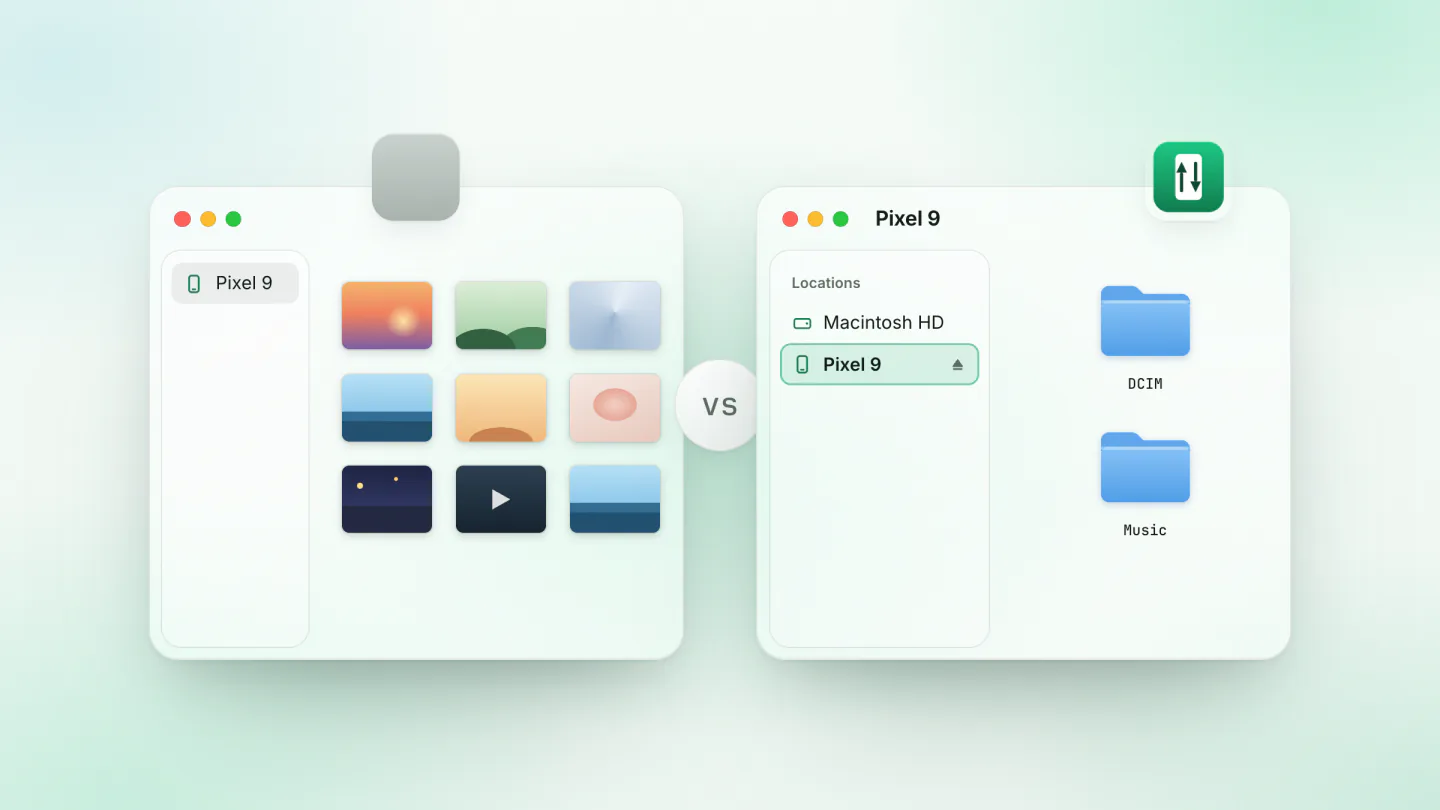
Pick FreeDroid if you want to pay nothing and read the code, if your Mac runs macOS 15.4 or later but not 26, or if you would rather use the phone's File transfer mode than USB debugging. Its only release so far, 0.1.0, came out in May 2026, so expect an early version.
Pick SideMount if you want an app that is updated often, with someone to write to when something breaks, and the phone as a drive in Finder and Wi-Fi when you need it. It costs $1.99 a month or $19 once, after a seven day trial that asks for no card.
What each one is
FreeDroid, by Merkost on GitHub, is free under the MIT licence. It shows each connected phone in Finder's sidebar under Locations, through Apple's File Provider framework, which its README says is the one Dropbox, OneDrive and iCloud Drive use. It reaches the phone over adb when USB debugging is on and over MTP when it is not, and it lists a Wi-Fi mode as experimental. It also has a window of its own with a file browser, a photo gallery and a transfer queue. It needs macOS 15.4 or later. Version 0.1.0, its only release, came out on 13 May 2026, and the code has not changed since 14 May.
SideMount is a paid menu bar app that mounts the phone as a drive in Finder. It needs USB debugging turned on once and macOS 26 or later. Nothing is installed on the phone, and nothing else on the Mac.
Side by side
| FreeDroid | SideMount | |
|---|---|---|
| Price | Free, open source | $1.99 a month or $19 once, 3 Macs |
| macOS | 15.4 or later | 26 or later |
| What the phone needs | USB debugging, or File transfer mode | USB debugging, turned on once |
| Where the files appear | In Finder's sidebar, and in its own window | In Finder, as a drive |
| Several phones at once | Yes | Yes |
| Over Wi-Fi | Experimental | Yes, Android 11 or later |
| Releases | One, 0.1.0 in May 2026 | Eight in October 2026 |
| Source code | Open, MIT licence | Closed |
Where FreeDroid is the better choice
- You want to pay nothing. FreeDroid is free, with no paid tier and no trial.
- Your Mac is not on macOS 26. FreeDroid runs on macOS 15.4 or later. SideMount needs 26.
- You do not want USB debugging on. FreeDroid falls back to the phone's File transfer mode when USB debugging is off.
- You want to read or change the code. FreeDroid is open source under the MIT licence, and it asks for help adding phones it does not yet recognise. SideMount is not open source.
Where SideMount is the better choice
- You want it looked after. SideMount had eight releases in October 2026, and you can write to [email protected] when something goes wrong. FreeDroid has had one release, in May, and no changes since.
- You want the phone as a drive. SideMount mounts the phone like a USB stick, with an eject button, so Finder, Terminal,
cpand rsync use it like any disk. - You want it without a cable. A phone on Android 11 or later can mount over Wi-Fi after pairing once. The cable is much faster, but Wi-Fi is handy for a few files. See pairing wireless debugging with a Mac.
What they have in common
Both show the phone in Finder, so you can drag files both ways and preview them with Quick Look. Both handle several phones at once. Neither installs anything on the phone or asks you to install other tools on the Mac. Neither needs an account, and files go only between the phone and your Mac. And the cable matters more than either app: a charge-only cable carries nothing. See whether your USB-C cable carries data.
Trying SideMount after FreeDroid
Nothing needs uninstalling, but quit FreeDroid first, so the two apps do not reach for the phone at once. Turn on USB debugging, download SideMount and follow the setup guide. The trial is seven days and asks for no card.
Questions
Is FreeDroid really free?
Yes. It is open source under the MIT licence, with no paid tier, and you download it from its GitHub page.
Is FreeDroid ready to use?
Its project status page lists what works, including Finder, adb and MTP. Its only release is 0.1.0, from May 2026, and its Wi-Fi mode is marked experimental. We have not tried it, so test it with files you have copies of first.
Does FreeDroid need USB debugging?
No. It uses adb when USB debugging is on and the phone's File transfer mode when it is off.
Do I have to turn on USB debugging for SideMount?
Yes, once. Android asks you to allow each computer, and you can revoke it in Developer options at any time. How to turn it on, phone by phone.

Keep reading
 Comparison · 4 min readSideMount vs PhoneMountTwo macOS 26 apps that put the phone in Finder: File transfer mode against USB debugging, free tiers, prices, and who should pick which.
 Comparison · 3 min readSideMount vs MacDroidTwo apps that mount an Android phone in Finder: modes, prices, macOS versions, and who should pick which.
 Comparison · 4 min readSideMount vs OpenMTPA free two-pane MTP app against a paid Finder volume: what each does well, and who should pick which.